Import Export Code, abbreviated as IEC, is a 10-digit alphanumeric business identification number assigned by Directorate General of Foreign Trade (DGFT) to an entity that wants to engage in import or export activities. It is based on Permanent Account Number (PAN) of the entity. To apply for IEC, you need to file an application through the official DGFT Portal.
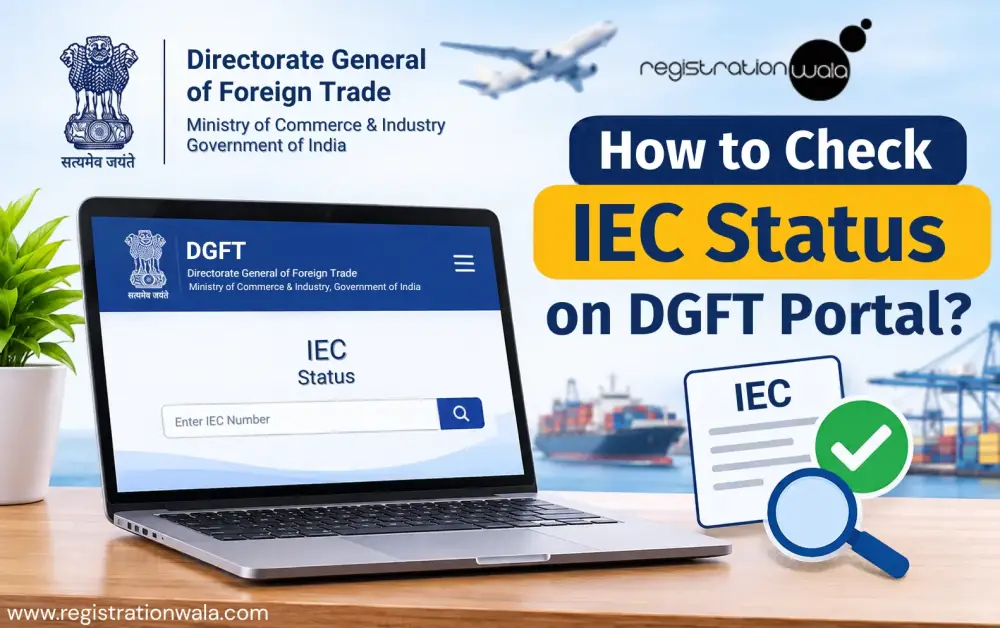
Once you have obtained Importer Exporter Code, you must ensure that it remains active and valid at all times, so you can engage in import/export operations smoothly. Your IEC can get deactivated on 1 July if you miss the annual update by even one day. Once deactivated, it will freeze every shipping bill you attempt to file at customs. In this blog post, we shall explain how to check IEC status online via DGFT Portal.
Why is It Necessary to Check IEC Status?
Once issued by DGFT, an Importer Exporter Code remains valid for lifetime. This means that it does not require any renewal. However, this does not mean that IEC holder can simply forget about it once they have successfully secured IEC registration. Every IEC holder is required to update their IEC details online every year even if there are no changes to the existing information at all. This annual updation is required to be completed between April and June.
Failure to complete this mandatory exercise can result in deactivation of IEC. The deactivation makes IEC inoperative for import and export activities. This can create serious problems. When you are trying to clear a shipment, process an export order or carry out other trade-related activities, an inactive IEC can bring your entire import/export business operation to a sudden halt.
Therefore, checking your IEC status from time to time and ensuring that it reflects as 'active' is really important. After all, having an IEC is of little use if it is not active when you actually need it for your business operations.
IEC Status Check: Step-by-Step Instructions
Below, we have explained the necessary steps you need to follow so you can complete the IEC status check process smoothly.
Step 1: Visit the official DGFT portal @ https://www.dgft.gov.in/CP/.

Step 2: Once you are on the homepage, go to the dashboard and click on ‘Services’ and then on ‘View IEC Related Details’ option. After that, you will be redirected to the next page.

Step 3: Now, click on ‘View Any IEC’ option and then enter the IEC code and the firm name. You do not need to enter the full firm name. Just make sure you enter at least first three letters of this name.

Step 4: Type the Captcha code and then click on the ‘Submit’ button.

Step 5: Finally, the IEC status will appear on your screen.
You May Also Read: How to Download IEC Certificate
Conclusion
Ensuring that your IEC remains active at all times is necessary for carrying out customs-related import and export activities smoothly. Fortunately, checking your Import Export Code status is not a complicated process. You can easily check it online via DGFT portal by following just a few simple steps, as outlined in this blog post. The best part about the whole process is that you do not need to sign up or sign in to the portal and the IEC status check service is absolutely free of cost.
If you have checked your Import Export Code status and realised that it has been deactivated because you missed the annual updation deadline, don't worry. Get in touch with Registrationwala so that we can help you with IEC reactivation process and get your IEC status active again. This way, you can continue your import and export business operations without unnecessary delays or complications.
Frequently Asked Questions (FAQs)
Q1. To check IEC status on DGFT portal, do I need to sign into the portal?
A. No. You do not need to sign into the DGFT portal to check IEC status.
Q2. Can deactivated IEC prevent export shipment from proceeding?
A. Yes. A deactivated Import Export Code will block customs clearance and prevent the export shipment from proceeding.
Q3. Does IEC have an expiry date?
A. No. IEC does not have any expiry date. Instead, it offers lifetime validity. Despite this, the IEC holder still needs to update IEC details annually between April and June to maintain active status of IEC.
Q4. Is checking IEC status via DGFT portal free of cost?
A. Yes. Checking IEC status through the official DGFT portal is absolutely free of cost.
Q5. What is the government fee for IEC registration?
A. The government fee for IEC registration is Rs. 500.
Q6. Do HUFs require IEC to carry out import/export business activities?
A. Yes. Just like companies, LLPs, proprietorships and partnerships, the Hindu Undivided Families (HUFs) also require IEC to carry out import or export business activities. If you need assistance in securing IEC registration, connect with Registrationwala.
Q7. Is the IEC of a business the same as its PAN?
A. Yes. The IEC of a business is the same as its PAN. Despite this, you need to file a separate application for obtaining IEC. Having a PAN alone is not enough.
Disclaimer:- This blog post is published for general informational purposes only. Although every effort has been made to keep the information accurate, rules, regulations and procedures established by the government may change from time to time. Readers are advised to refer to official government websites for latest updates or seek professional advice whenever required.
-
Published: November 20, 2026
165 Views