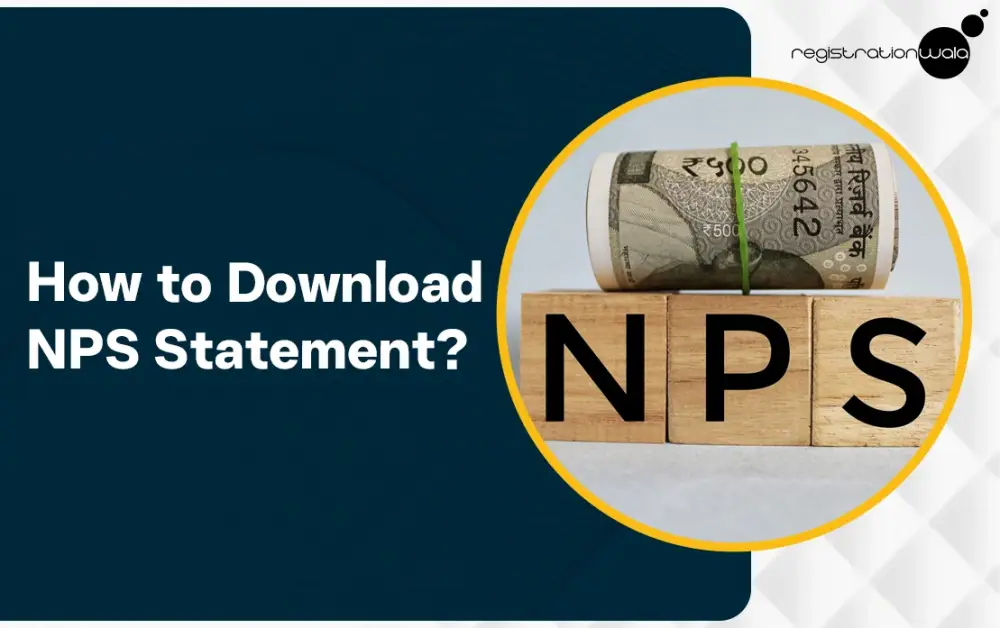
NPS stands for National Pension System. It is a government-backed, market-linked pension scheme that is mandatory for Central Government employees (except employees in the armed forces) hired after 1 January 2004 and for State Government employees provided their state adopted it. For all other Indian citizens, private sector employees and self-employed persons, this scheme is voluntary and serves as a popular investment tool.
If you want to find out how to download the NPS account statement, then check out this blog post. Here, we shall explain to you how to download NPS statement online. We shall mention all the necessary steps you need to follow to complete the NPS statement download process successfully.
What is NPS Statement?
A National Pension Scheme (NPS) statement is a document that provides a detailed record of your NPS account’s transactions and holdings. It serves as proof of investment under the National Pension System and allows you to track the growth of your retirement savings over time. By downloading this statement, you can check your current NPS balance.
The NPS statements are important for NPS scheme subscribers to claim tax benefits under Section 80C, up to Rs. 1.5 lakh. In addition to this, the Tier I NPS account holders can claim an extra tax deduction of up to Rs. 50,000 under Section 80CCD(1B), over and above the Rs. 1.5 lakh limit.
NPS Statement Download Online Process
To download the statement of NPS account online, you need to complete a few simple steps. Each and every step has been explained below :-
Step 1 :- First, you need to visit the NPS CRA or KFintech-CRA portal.
Step 2 :- Now, in the user ID column, you need to enter your Permanent Retirement Account Number (PRAN).
Step 3 :- After entering your user ID, enter your password. Then fill in the captcha correctly.
Step 4 :- Then, mark the checkbox and proceed to click on the “Submit” button so you can log in to the portal.
Step 5 :- Once you have logged in successfully, go to the menu bar and then select the "Transaction Statement" option.
Step 6 :- Then, you must verify your details such as your name and PRAN.
Step 7 :- Now, you must choose the financial year, quarter and tier type for which you want to download NPS transaction statement.
Step 8 :- After that, you need to click on the “Generate Statement” option.
Step 9 :- Now, your National Pension System statement will be displayed on your screen.
Step 10 :- To download NPS statement, you need to select the format type from options provided in the page’s top right corner. Finally, your statement will be downloaded.
Conclusion
The National Pension System started for new Central Government employees on January 1, 2004. This scheme is mandatory for all the Central Government employees except those in the armed forces. If you want to claim tax benefits under Section 80C for NPS, then a statement of NPS account is required. The NPS statement download PDF can be obtained online quite easily via CRA NPS portal or KFintech portal, allowing you to check your contributions, holdings and overall returns easily. Make sure to keep your PRAN handy, so you can easily log into the portal and download the statement without any hassle.
Also Read :- Calculation of National Pension Scheme (NPS) in India
Frequently Asked Questions (FAQs)
Q1. Is it possible to download the statement of NPS account online?
A. Yes, you can download it online.
Q2. How can I download NPS statement online?
A. You can download it online by logging into the CRA NPS portal or KFintech CRA portal.
Q3. What is NPS full form in tax?
A. NPS full form in tax is National Pension System.
Q4. What is PRAN full form?
A. PRAN full form is Permanent Retirement Account Number. It is required to login into the CRA NPS portal. It allows you to access and manage your NPS account.
Q5. Can I download NPS statement without PRAN?
A. No, you cannot download NPS statement PDF without PRAN.
Q6. What is NPS protean customer care number?
A. The NPS protean customer care number for NPS Subscriber is : 1800 2100 080. It is a toll free number.
-
Published: January 28, 2026
946 Views