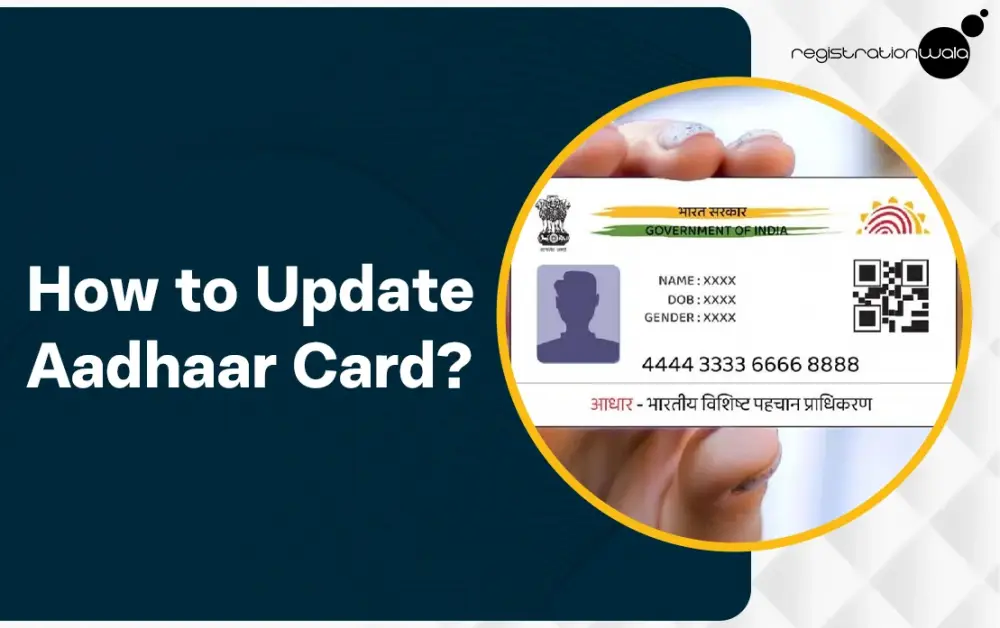
Aadhaar Card is one of the most important government-issued IDs in India, if not the most important. It contains essential information of an individual, including their name, address, photograph and date of birth. Sometimes, the details in the aadhaar card might need to be changed.
For instance, if your residential address has changed, then you might need to update your aadhaar card to reflect the new residential address. In this blog post, we shall guide our readers on how to update aadhaar card by explaining all the essential steps.
Aadhaar Card Details that can be Updated
Here are the adhaar card details that can be updated :-
-
Name (can only be changed twice)
-
Date of Birth (can only be updated once)
-
Gender (can only be updated once)
-
Address (can be changed multiple times)
-
Documents like Proof of Identity (POI) and Proof of Address (POA).
-
Biometric Data like facial photograph, fingerprints and iris scans.
It is important to note that only the Aadhaar card address update and the Aadhaar card document update are available via the online portal. For updating other details, an in-person visit to an Aadhaar Enrolment Centre is necessary.
Aadhaar Update Charges
Aadhaar enrolment is free for all the residents, including children. However, aadhaar update may be free or chargeable depending on the type of update :-
|
Aadhaar Service Type
|
Fee (Incl. GST)
|
Notes
|
|
Biometric Update
|
Rs. 125
|
Fingerprints, Iris, Photo
|
|
Demographic Update
|
Rs. 75
|
Name, Address (can be updated online), DoB, Gender, Mobile, Email
|
|
Document Update
|
Rs. 75
|
At Aadhaar Centre
|
|
Document Update
|
Free
|
Online via myAadhaar portal (until 14.06.2026)
|
|
Mandatory Biometric (age of 5-7 years, 15-17 years)
|
Free
|
First-time mandatory update
|
|
Mandatory Biometric (age of 7-15 years)
|
Free
|
Until September 30, 2026.
|
|
Aadhaar PVC Card
|
Rs. 75
|
Ordered online
|
|
Home Enrolment Service
|
Rs. 700
|
+75 for update (First person)
|
Note :- Please note that the aadhaar update fee structure is subject to change. For the latest information regarding the fee structure, we request you to visit the official website of UIDAI.
Aadhaar Card Update Process
The aadhaar card update process requires completion of the steps explained below :-
Step 1 :- Visit the official website @ https://myaadhaar.uidai.gov.in/.
Step 2 :- Once you are on the homepage, click on the “Login” option. Then, enter your aadhaar no., captcha code and then click on “login with OTP”.
Step 3 :- Then, you need to enter the OTP you received on your mobile number and then click on the “Login” button.
Step 4 :- Thereafter, you must click on the “Address Update” option.
Step 5 :- Now, click on the “Update Aadhaar Online” option.
Step 6 :- Next, you need to select the “Address” option and click the "Proceed to Update Aadhaar” button to proceed further.
Step 7 :- In this step, you need to enter the updated information. After entering, make sure it's accurate and up to date. Then, upload the relevant document and click on the “next” button. Now, you can preview the updated details.
Step 8 :- Make the payment for update as per the fee structure and then click on the “Submit” button.
Step 9 :- Now, an SRN will be generated. You can note down this no. as it’ll help in aadhaar update status check. Alternatively, you can download the acknowledgement’s copy as it’ll contain the SRN.
It takes a few working days to reflect the update/change in aadhaar. Using the SRN, you can track the status of the update from time to time. After your request is approved, you will receive the updated aadhar card via post at your address. However, if for any reason, your request is rejected, you will need to apply for the update again.
Conclusion
The aadhar address and documents can be updated online easily via the official myAadhaar UIDAI portal. All you need to do is follow the simple and easy steps we provided in this blog post. However, if you want to update the name, date of birth or gender in aadhar, you need to visit the nearest Aadhaar Seva Kendra.
Also Read :- How to Download Aadhar Card
Frequently Asked Questions (FAQs)
Q1. Can aadhaar card details be updated?
A. Yes, the details in an individual’s aadhar card can generally be updated. However, there are limitations on updating certain details. For instance, the name mentioned in the card can only be updated twice.
Q2. How can I update aadhar card details online?
A. Yes, you can update aadhaar card address and document online via the UIDAI portal. However, for updating all other details, you need to visit the Aadhaar Enrolment Centre.
Q3. Is it free to update aadhaar online?
A. Generally, updating adhaar card requires payment of fees, with the exact fees depending on the type of update. However, for certain age groups, updating certain details in the card is free.
Q4. Can I update my name in aadhaar online?
A. No, you need to visit the Aadhaar Seva Kendra for this.
Q5. What are the charges for Aadhaar PVC Card?
A. For the Aadhaar PVC card, the charges are Rs.75/- (Inclusive of GST & speed post charges).
Q6. Do I need to carry my original documents for getting my aadhaar updated at the Aadhaar Seva Kendra?
A. Yes, you need to carry your original documents for getting your aadhaar updated at the Aadhaar Seva Kendra.
-
Published: February 14, 2026
1316 Views